
New build virtual staging adds furniture and decor to real photographs of empty, finished rooms so buyers can picture how a space works, without the cost of physical furniture hire. It is a cost-effective way to lift listing presentation, but staged images need clear labelling and the original, unstaged photographs should always be kept on file.
TL;DR:
- Label every staged photograph visibly and repeat the disclosure in the listing; retain the untouched original and never digitally hide defects.
- Match furniture scale and style to the unit’s likely buyer, using compact multifunctional pieces for flats and family layouts for larger homes.
- Use virtual staging for online listings and reserve physical furnishings for select show homes; mark prelaunch images from plans as indicative.
- Give the studio original photos, room by room dimensions, the buyer profile, and style references, then agree on file formats and deadlines.
Table of Contents
- How to create virtual staging for a new build, step by step
- Photography and preparation for empty, newly built rooms
- Style, furniture and schemes that sell new builds
- Compliance and disclosure: labelling, transparency and risk
- Examples and use cases for developers and estate agents
- Briefing a specialist for new build virtual staging
- Where virtual staging fits in a pre-sale marketing mix
- How Visual Trick helps with new build virtual staging
- FAQ
- Sources
How to create virtual staging for a new build, step by step
The process runs from capture to publication, and skipping steps is where most listings run into trouble.
- Shoot the empty room properly. Use a tripod, a wide but not distorting lens, and bracket your exposures so window light does not blow out the rest of the frame.
- Keep the unstaged original. Save it with a clear file name and store it alongside the staged version; you may need to produce it if a buyer or portal questions the listing.
- Choose a style and furniture at the correct scale. Match the scheme to the unit type and confirm dimensions against the room’s actual measurements before anything is placed.
- Run a quality check. Compare the staged image against the real room: skirting heights, window positions and sightlines should all still read correctly.
- Label and publish. Mark the image itself, not just the listing text, and add a short disclosure line in the description before it goes live.
Each stage feeds the next: a poorly shot room makes staging harder to align, and a skipped label turns a helpful marketing image into a misleading one.
Pro Tip: Keep a simple spreadsheet logging which rooms are staged, the furniture pack used, and the date, so you can answer a buyer query in minutes rather than hours.

Photography and preparation for empty, newly built rooms
Empty rooms are unforgiving in photographs: there is nothing to anchor scale, and any lens distortion or lighting imbalance becomes obvious once furniture is added digitally.
- Shoot from a tripod at a consistent height, around chest level, to keep verticals straight across a room set.
- Bracket exposures for windows so you capture both the interior and the view without blown-out glass.
- Include a tape measure or marked object in at least one reference shot, and note wall and floor dimensions for the rooms you intend to stage.
- Deliver high-resolution files, generally 300 DPI for print and at least 2000 pixels on the longest edge for portal use.
- Keep perspective and white balance consistent across a room set so staged furniture does not sit awkwardly against mismatched light or converging lines.
Getting this right at the shoot stage saves revision rounds later, since a studio cannot correct a soft or distorted base photograph without reshooting.
Style, furniture and schemes that sell new builds
The right scheme depends on who is buying, not on what looks striking in isolation. A one-bedroom city flat and a four-bedroom family home call for different furniture, different colour choices and a different story in each room.
- Match the scheme to the buyer profile: compact, multi-functional furniture for first-time buyer flats, family-oriented layouts for larger units.
- Favour neutral tones and mid-sized furniture pieces that show true room proportions rather than oversized pieces that make a space look smaller once occupied.
- Use specified, real, purchasable furniture when you want the staging to feel actionable; use mood-only pieces when the goal is purely atmospheric.
- Limit accessories and keep colour palettes light where preserving a sense of space and natural light matters most.
A show apartment aimed at downsizers rarely needs the same furniture pack as a new-build townhouse aimed at young families, even when the two units sit on the same development.
Compliance and disclosure: labelling, transparency and risk
Virtual staging is a real photograph with digital furniture composited in, and that distinction is what UK disclosure practice turns on. Since April 2025, the governing framework for misleading marketing in the UK has been the Digital Markets, Competition and Consumers Act 2024, and any guidance still referring to the older 2008 regulations is out of date.
- Label the image itself, for example “Virtually staged” printed across a corner, since a disclosure buried only in the listing text is not enough.
- Add a short line in the listing description repeating the disclosure, so it appears wherever the image is shared.
- Add furniture only. Do not digitally remove damp patches, missing fixtures or other fixed defects, since altering the room itself carries a higher misleading-presentation risk than adding furniture.
- Keep the unstaged original on file and be ready to provide it if a buyer or portal asks.
A visible, on-image label is the single most effective safeguard, because it travels with the photograph wherever it is republished, unlike text buried in a listing description.
New builds marketed before council tax bands or other particulars are confirmed should also state this plainly, for example “new build, council tax band not yet available”, rather than letting staged imagery imply a finished, fully-priced product.
Examples and use cases for developers and estate agents
Virtual staging earns its place across several stages of a new build campaign, each with a slightly different brief.
- Show apartments and hero shots: stage the lead reception room first, since this is usually the image that carries a listing’s click-through.
- Bedroom and layout staging: furniture placement here helps buyers judge whether a bed, wardrobe and desk genuinely fit, not just whether the room looks pleasant.
- Pre-launch “coming soon” imagery: staged renders built from architectural plans can run ahead of practical completion, clearly marked as indicative.
- Combined approach: many developers pair virtual staging for online listings with limited physical staging in one or two show homes for in-person viewings.
Running virtual staging across a full plot of similar units, then reserving physical staging budget for the show home, tends to stretch a marketing budget further than furnishing every unit physically.
Briefing a specialist for new build virtual staging
A clear brief shortens the revision cycle more than any other single step. Share the unstaged photographs, a dimension schedule for each room, the intended buyer profile and two or three style reference images before work begins.
- Provide marked-up photographs showing horizon lines and any fixed features the studio should work around.
- Specify real, purchasable furniture where you want the staging to double as a sourcing reference for buyers.
- Agree file naming and delivery format upfront, since this avoids confusion once multiple room versions are in circulation.
- Confirm turnaround expectations before the brief is finalised, since staging volume across a full development affects scheduling.
At Visual Trick, our virtual staging work sits alongside planning visuals and marketing CGI produced in-house, which keeps scale verification, shadow matching and perspective checks consistent across a project rather than split between different providers.
Pro Tip: Send dimensions as a simple room-by-room table rather than a full architectural drawing set; it is faster for a studio to work from and reduces the chance of a measurement being missed.
Where virtual staging fits in a pre-sale marketing mix
Virtual staging earns its keep as the default for online listings, where cost per image beats physical staging by a wide margin, and physical staging still has a role for the handful of show homes buyers walk through in person. Slot staged imagery in early, ahead of launch, so listings never go live looking bare.
— Paride
How Visual Trick helps with new build virtual staging
Developers and agents working through a full plot of units need staging that stays consistent from the first listing to the last, and we handle that in-house rather than outsourcing between different operators. Our services cover virtual staging alongside planning-ready visuals, exterior and interior CGI, and marketing imagery, so a development’s whole visual package comes from one workflow.
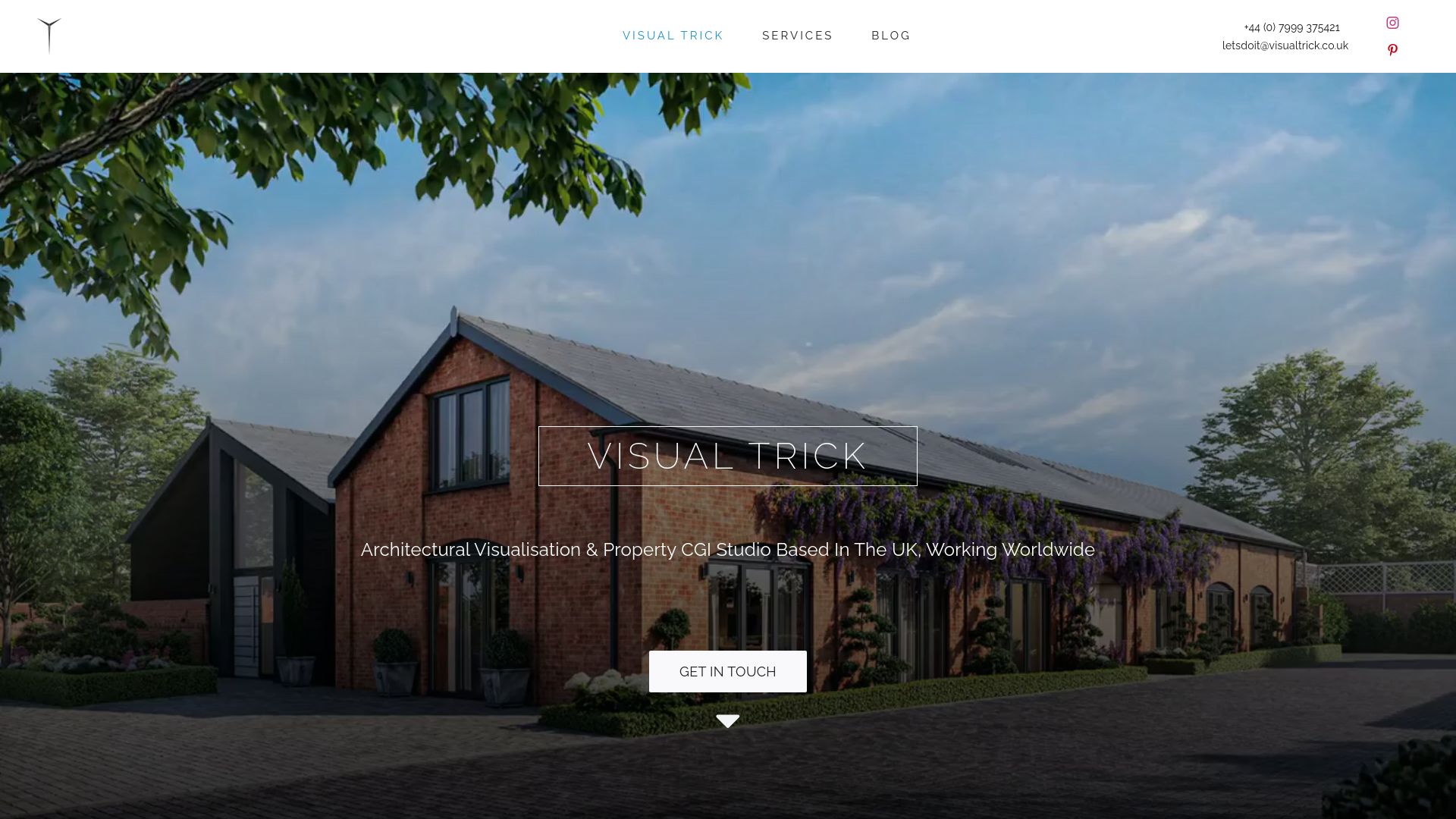
A commission brief works best with unstaged photographs, room dimensions, your target buyer profile and any style references, and we scope deliverables and timelines from there.
| What to send us | What we deliver |
|---|---|
| Unstaged room photographs | Virtually staged images, labelled |
| Room dimension schedule | Scale-accurate furniture placement |
| Buyer profile and style references | Scheme matched to unit type |
| Delivery format and deadline | Final files for listings and print |
- Virtual staging and marketing CGI produced in-house, with predictable deadlines.
- Deliverables scoped from your brief rather than a fixed package.
Get in touch through our virtual staging page to scope a brief for your next development.
FAQ
How much does virtual staging AI cost?
Pricing for virtual staging varies by provider and is not standardised across the market, so it is worth requesting a quote against your specific room count and style brief. At Visual Trick, virtual staging pricing is available on request through our services page.
How to virtually stage a photo for free?
Several consumer-grade apps and software trials offer basic virtual staging at no cost, though results and UK portal compatibility vary between tools, so it is worth checking a product’s reviews before committing a listing to it. Free tools tend to suit quick mock-ups rather than finished marketing photography for a live campaign.
Is virtual staging AI legit?
Virtual staging is a legitimate marketing technique as long as the image is clearly labelled as staged and the unstaged original is kept on file. Problems arise not from the technique itself but from presenting a staged image without disclosure, which risks a misleading presentation under UK consumer protection law.
What are some good real estate virtual staging apps?
Review platforms such as G2 and Capterra list virtual staging software with user feedback, though availability and portal compatibility for the UK market should be checked before relying on any one tool. For developments needing consistent, planning-ready visuals across a full plot, a studio-based service offers more control over scale accuracy and disclosure than a self-serve app.
Do I need to disclose when a new build listing uses staged images?
Yes, staged images should carry a visible label on the photograph itself, since text hidden in the listing description alone is not considered sufficient disclosure. Keeping the unstaged original available on request is also recommended practice under current UK guidance.
Sources
For the current UK disclosure framework and practical labelling advice, see the breakdown of virtual staging rules. For what counts as material information in a listing, including new build specifics, consult the National Trading Standards guidance. Developers preparing dimension schedules for a studio brief may also find this UK guide to setting out quantities useful background.
- Virtual Staging UK: The Disclosure Rules Explained | Furniture100
